
Sofware Distribution, E-learning Courses Development, Cloud Solutions Development, Training and Technical Support

Software Distribution & Marketing
We license our software through strategic sales and marketing, ensuring customer access and business success.
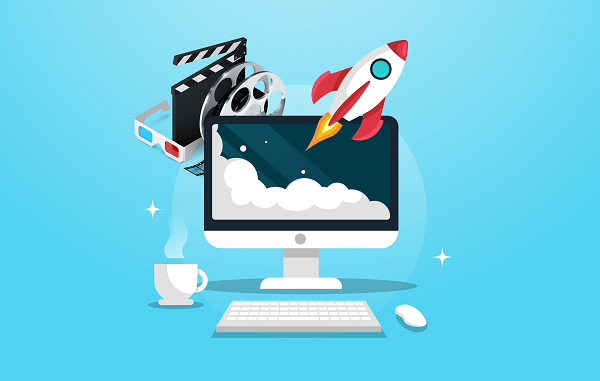
E-learning Courses Development
We leverage over 20 years of expertise to create high-quality e-learning courses tailored to your training needs.

Customized Cloud Solutions
We specialize in crafting tailored cloud solutions, encompassing LMS, document management, and AI technologies to meet your unique needs.
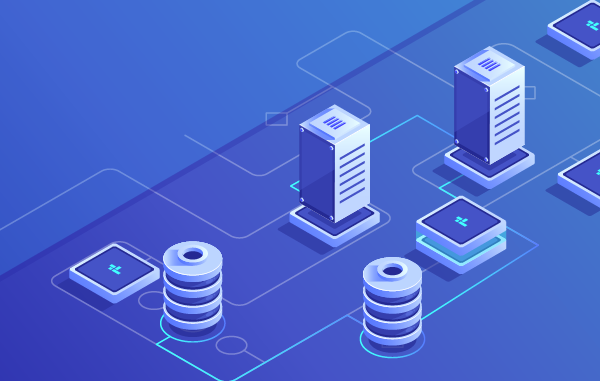
Cloud Infrastructure & Networking
We excel in establishing secure and resilient cloud infrastructure, featuring load balancing, failover, backup, and disaster recovery solutions.
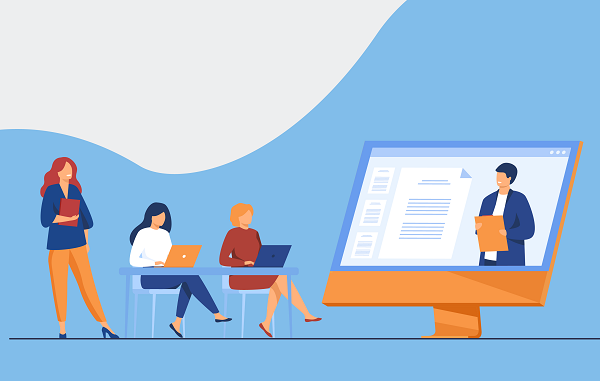
Training
Our software training is led by industry experts, offering invaluable insights and expertise for your team’s success.
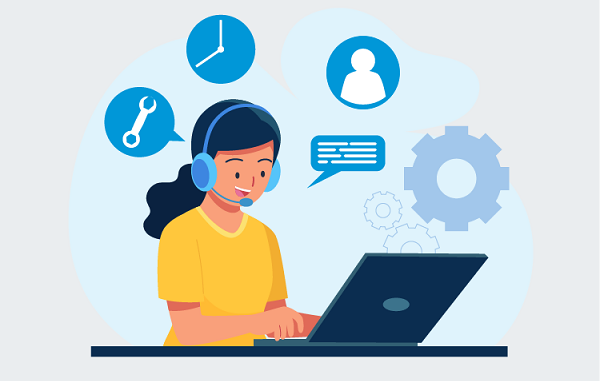
Technical Support
We offer 24/7 technical support through email, phone, or onsite assistance, ensuring your project’s success at any time.
TEACHUME LMS
The most customizable LMS for corporate brands
Attain your corporate learning objectives with our highly customizable e-learning platform
Find out more
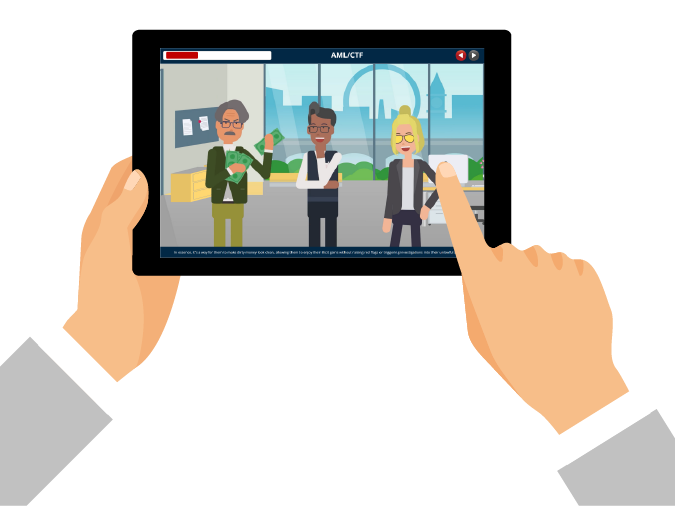
Develop interactive e-learning courses
You can effortlessly and cost-effectively create interactive courses that incorporate games and animations (gamification) without the requirement of an in-house IT team.
Sketch
In the sketching phase, initial ideas and concepts for a project are roughed out on paper or digitally. This creative process allows for quick exploration of design possibilities.
Design
During the design phase, the ideas from the sketch are refined and shaped into a detailed plan. This includes defining the visual aesthetics, layout, and user experience to create a blueprint for the project.
Test
Testing involves evaluating the project to identify and rectify any issues, bugs, or usability problems. It's a crucial step in ensuring the functionality and user-friendliness of the final product.
Develop
Development is the actual implementation of the project based on the design and testing feedback. It encompasses coding, building, and assembling all the elements to create the final working product or system.